Legal Access to Social Media, Email, and Cloud Accounts After Death is rarely automatic, even for close family. If you are a Brooklyn small business owner juggling vendor logins, client files, and a personal iPhone full of family memories, the last thing you want is your spouse or kids locked out when they need answers.
New York law gives families a path forward, but you usually have to plan for it. This guide explains what heirs can (and cannot) access, why platforms push back, and how digital legacy planning New York families use can protect both sentimental content and real financial value. For a related planning step many families miss, see Coming of age and powers of attorney.
Ready to get this organized the right way? Schedule a Free Consultation with Alatsas Law Firm to build an integrated estate plan that includes digital access.
Key Takeaways
- New York recognizes digital assets: With the right documents, Legal Access to Social Media, Email, and Cloud Accounts After Death can be granted to a fiduciary.
- Passwords are not a plan: Platform terms and privacy laws can block families, even with good intentions.
- Email is the master key: If heirs cannot access email, password recovery after death often fails across every other account.
- Trusts and POD tools can work together: Ownership, beneficiary designations, and access authority solve different problems.
- Planning reduces conflict: Clear instructions prevent family disputes and business interruption.
Understanding Legal Access to Social Media, Email, and Cloud Accounts After Death in New York
The most important idea is that “ownership” and “access” are not the same thing. Your family might inherit the value of a digital asset, but still be blocked from logging in to retrieve it.
In New York, access is often handled through a combination of estate planning documents and state law that governs fiduciaries (like executors and trustees). A major framework families and attorneys rely on nationwide is RUFADAA, the Revised Uniform Fiduciary Access to Digital Assets Act. It is designed to balance privacy with legitimate estate administration. You can read the model act background at the Uniform Law Commission’s RUFADAA page.
The three layers that determine access
First, the platform’s built-in legacy tools often control what happens. Facebook, for example, allows memorialization and legacy contacts. Apple and Google also offer account legacy features that can make cloud storage access for heirs New York families far smoother if configured in advance.
Second, your legal documents matter: a will, a revocable living trust, and a properly drafted power of attorney can name who is allowed to manage digital accounts. For many families, the trust conversation starts here: When should a family consider a trust, and what type should they use?.
Third, privacy and federal computer access rules still apply. In practice, families who try to “just log in” using saved passwords can trigger fraud flags or violate terms of service. Planning is how you avoid that trap.
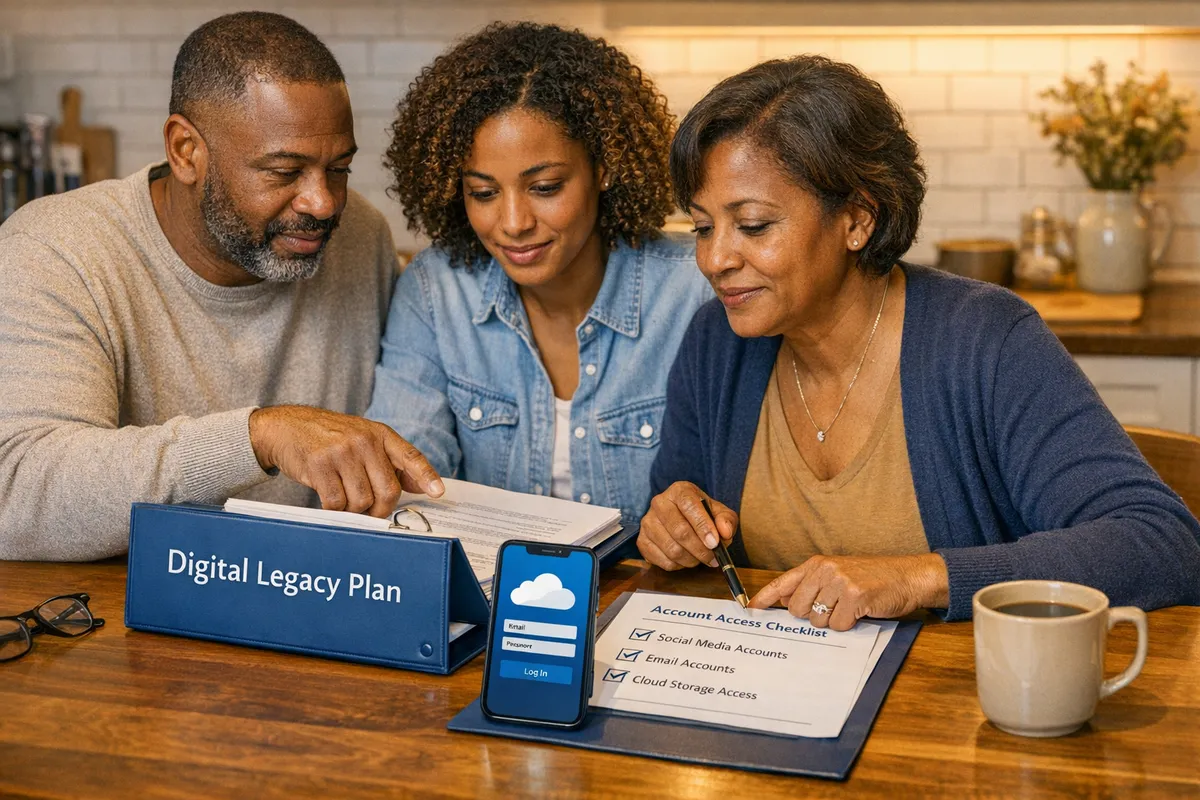
Once you understand that New York law is only one piece of the puzzle, it becomes easier to see why Brooklyn families run into problems even when everyone is acting in good faith.
Common Challenges Brooklyn Families Face When Securing Digital Legacies
The biggest shock we see is this: being the next of kin does not guarantee access. Families come in from Bay Ridge, Flatbush, and Sheepshead Bay thinking a death certificate will unlock everything. Then they hit a wall.
One common scenario is a caregiver adult child who handled a parent’s bills informally. After the parent dies, the child cannot get into the parent’s email, which breaks two-factor authentication for bank alerts, utilities, and even the parent’s photo backups. That is when “closing online accounts after death” turns from a simple to-do item into months of delay.
Another challenge is business continuity. A small business owner might have Stripe, Shopify, Square, QuickBooks, landlord portals, and client contracts all routed through a single Gmail address. Without a plan, the business can lose revenue while the estate waits for authority letters and platform review.
Finally, family dynamics matter. In divorcing or blended-family situations, relatives can disagree about whether to memorialize social media accounts after death, delete them, or preserve them. A clear instruction set reduces the chance of conflict and protects privacy.
For a surprisingly practical step that helps avoid lockouts, we often encourage families to keep their information current and organized. This quick read helps: Is your financial information up to date?.
With those pain points in mind, the next section lays out a step-by-step plan you can implement in New York.
Step-by-Step Legal Strategies for Digital Legacy Planning in New York
A workable plan has two goals: authorize the right person, and make it easy for them to act quickly. Below is the framework Alatsas Law Firm uses in an integrated approach that connects elder law, asset protection, and digital estate planning Brooklyn families can actually follow.
Step 1: Inventory your digital world (without creating new risk)
Start by listing accounts in categories: email, social, cloud storage, financial, subscriptions, business tools, and devices. Do not email passwords to yourself or store them in a plain Word document. Instead, keep a secure password manager and note where it is stored and how your fiduciary can access it.
A practical example: a Brooklyn contractor might list the Google account that controls Maps reviews and advertising, the iCloud account that holds job site photos, and the email that receives vendor invoices.
Step 2: Choose the right fiduciaries for different roles
Many families assume one person should handle everything. In reality, your executor, trustee, and agent under power of attorney may be different people with different access needs.
If you have a revocable trust, your successor trustee may need fast access to cloud backups and business records. If you only have a will, your executor may need court authority first. If you become incapacitated, your agent under a power of attorney may need immediate access to pay bills.
To understand how powers of attorney work once kids turn 18 (a frequent issue with college students and young professionals), revisit Coming of age and powers of attorney.

Step 3: Build “permission” into your estate planning documents
This is where Legal Access to Social Media, Email, and Cloud Accounts After Death becomes real. Your attorney can include language authorizing your fiduciary to access, manage, copy, or close digital accounts, consistent with New York law and applicable platform rules.
If your plan includes a trust, align it with your overall goals: probate avoidance, privacy, and asset protection. If you are unsure whether a trust fits your situation, this Q and A is a helpful starting point: Do you need a trust as part of an estate plan?.
Step 4: Use platform tools to make access smoother
Legal documents are powerful, but platforms still prefer their internal processes. Using them can reduce delays dramatically.
- For Apple users, set up Digital Legacy so a designated person can request access after death. Apple explains the process here: Apple Digital Legacy.
- For Google users, configure Inactive Account Manager to share data or notify trusted contacts: Google Inactive Account Manager.
- For Facebook and Instagram, review memorialization and legacy contact options, including how to memorialize a Facebook account: Facebook memorialization settings.
This is also where you decide what you want done: preserve, download, memorialize, or delete. Families often overlook sentimental content. If you are thinking about photos, letters, and keepsakes alongside digital items, you may like Memory Makers: Your personal possessions.
Step 5: Coordinate ownership tools like POD designations and business succession
POD and beneficiary designations control who receives certain assets, but they do not automatically grant logins. That said, they matter for digital-era finances, like payment apps or brokerage accounts tied to online dashboards.
For business owners, succession planning can include who controls domain names, ad accounts, and customer lists. You may also place certain business interests into an LLC and align the operating agreement with your estate plan. The goal is to prevent a login issue from turning into a revenue crisis.
Step 6: Create a “digital instructions” letter (separate from the will)
A will becomes public in probate, so do not put passwords in it. Instead, create a private letter that lists: where the password manager is, what should happen to key accounts, and who should receive digital files.
As a final safety check, talk with your planning attorney about how these instructions interact with probate. If you want a refresher on what happens when families do not plan, see What happens when you die without a will?.
Once these steps are in place, your family is positioned to act quickly instead of scrambling.
Case Studies: How Local Brooklyn Families Successfully Navigated Digital Estate Planning
The difference between chaos and clarity is usually one or two documents plus a simple account roadmap. Here are two anonymized examples based on common outcomes we see.
A Park Slope caregiver needed email account access legal after death to stop recurring charges and locate medical receipts for estate administration. Because the parent’s will named an executor and included digital access authority, and the family had an updated account list, the executor was able to work through provider processes without guessing passwords.
In Bensonhurst, a small business owner’s family needed cloud storage access for heirs New York planners often overlook: job photos, vendor contracts, and tax documents in iCloud and Google Drive. The owner had activated Apple Digital Legacy and Google Inactive Account Manager, and the successor trustee had a clear “digital instructions” letter. The business kept operating, and the family avoided a prolonged freeze.
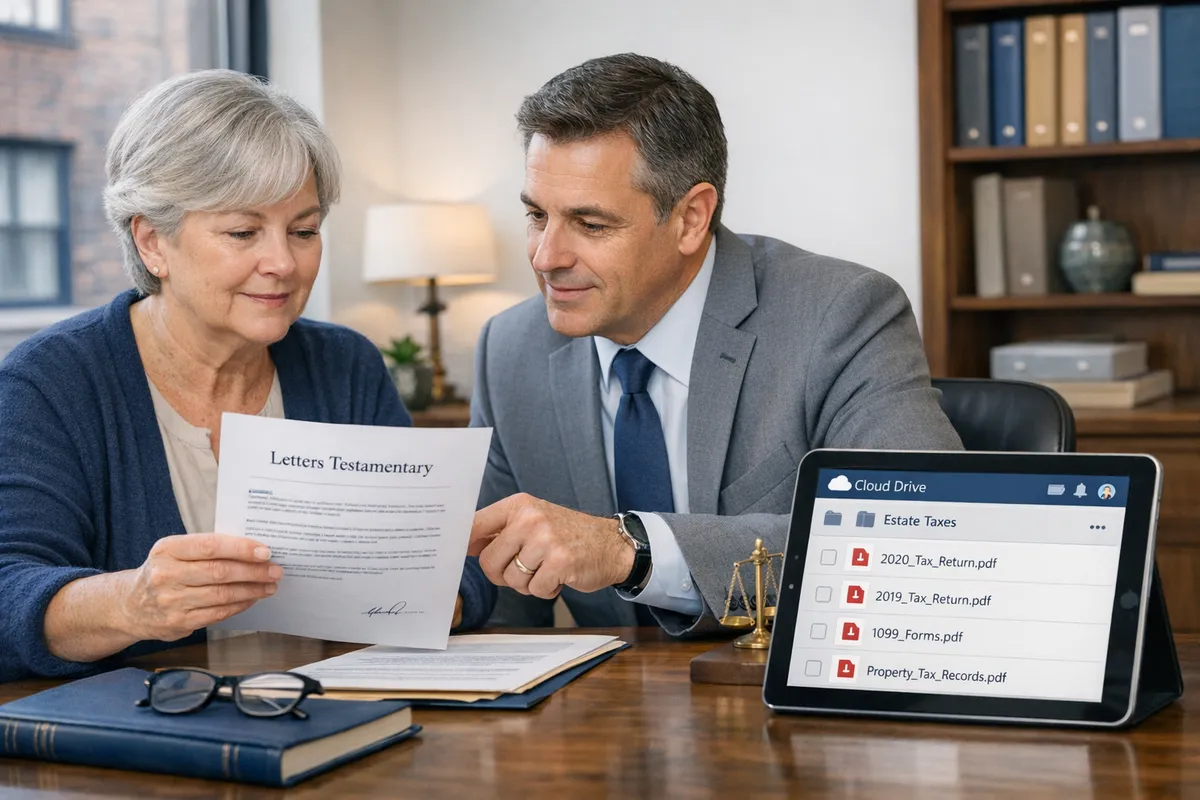
These examples show why planning is not about being “techy.” It is about giving your family a path they can follow.
Future-Proofing Your Digital Legacy: Tips for Ongoing Management and Updates
A digital legacy plan only works if it stays current. The easiest way to maintain Legal Access to Social Media, Email, and Cloud Accounts After Death is to set a recurring reminder to review your inventory, fiduciary choices, and platform settings.
In our experience, update your plan after major life events: marriage, divorce, a new business venture, a move, or a serious diagnosis. Also update when you change phones or switch from iCloud to Google, because two-factor authentication settings can break an otherwise solid plan.
If you want guidance on how an elder law attorney fits into broader planning, start here: What can an elder law attorney do for you?.
Frequently Asked Questions About Legal Access to Social Media, Email, and Cloud Accounts After Death
Can you legally open a deceased person’s mail in New York?
Sometimes, but you should be cautious and purposeful. Mail addressed to the estate, bills, tax documents, and account notices are often necessary to administer an estate, especially for an executor. Problems arise when someone opens mail to impersonate the deceased or access accounts without authority. If you are not the appointed fiduciary, talk to a probate attorney before taking action so you do not create accusations of fraud or family conflict.
How do you access online accounts when someone dies?
You usually need both legal authority and the platform’s process. Start by identifying who has authority (executor, administrator, or trustee) and gathering documents like a death certificate and court-issued letters. Then use each provider’s deceased-user workflow for account recovery, memorialization, or data requests. If email is inaccessible, work on that first, because password recovery after death often routes through the primary inbox.
What not to do immediately after someone dies when dealing with digital accounts?
Do not “just log in” using saved passwords if you are not authorized. Even well-meaning access can violate terms of service, trigger security lockouts, or complicate probate. Avoid deleting accounts or wiping devices before you back up data, especially photos, messages, and business records. Instead, secure devices, document what exists, and let the appointed fiduciary handle requests using proper proof and a clear plan.
Your Next Steps for Protecting a Brooklyn Family’s Digital Legacy
A good plan turns Legal Access to Social Media, Email, and Cloud Accounts After Death into a documented process, not a guessing game. When your will or trust, power of attorney, and platform tools all point in the same direction, your family can grieve without also fighting tech support.
At Alatsas Law Firm, we build digital legacy planning New York families can maintain alongside elder law and asset protection. If you are ready to create a clear inventory, name the right people, and align your documents, the next step is a conversation.
Want a step-by-step plan tailored to your family and business? Start Your Journey and we will help you put the legal pieces in place.